
Revit MEP Foundations Course | HVAC, Piping & Electrical Systems
If you are treating Revit like AutoCAD, you are doing double the work. Stop drafting lines and learn to build intelligent HVAC, Piping, and Electrical systems that generate their own coordinated plans and schedules—so you can stop fixing connections and start engineering.
Stop fighting broken MEP connections—move beyond 3D drafting and master a reliable Revit MEP workflow that keeps your systems connected, calculated, and driving real project data.
✓ Start Coordinated: Link models correctly and use Copy/Monitor to stay aligned with design changes. ✓ Model Systems, Not Shapes: Build HVAC, Piping, and Electrical networks that maintain connectivity & flow. ✓ Control Visibility: Master View Templates to instantly clean up clutter and highlight specific systems. ✓ Trust Your Data: Generate schedules and material take-offs (MTO) that match your MEP model perfectly
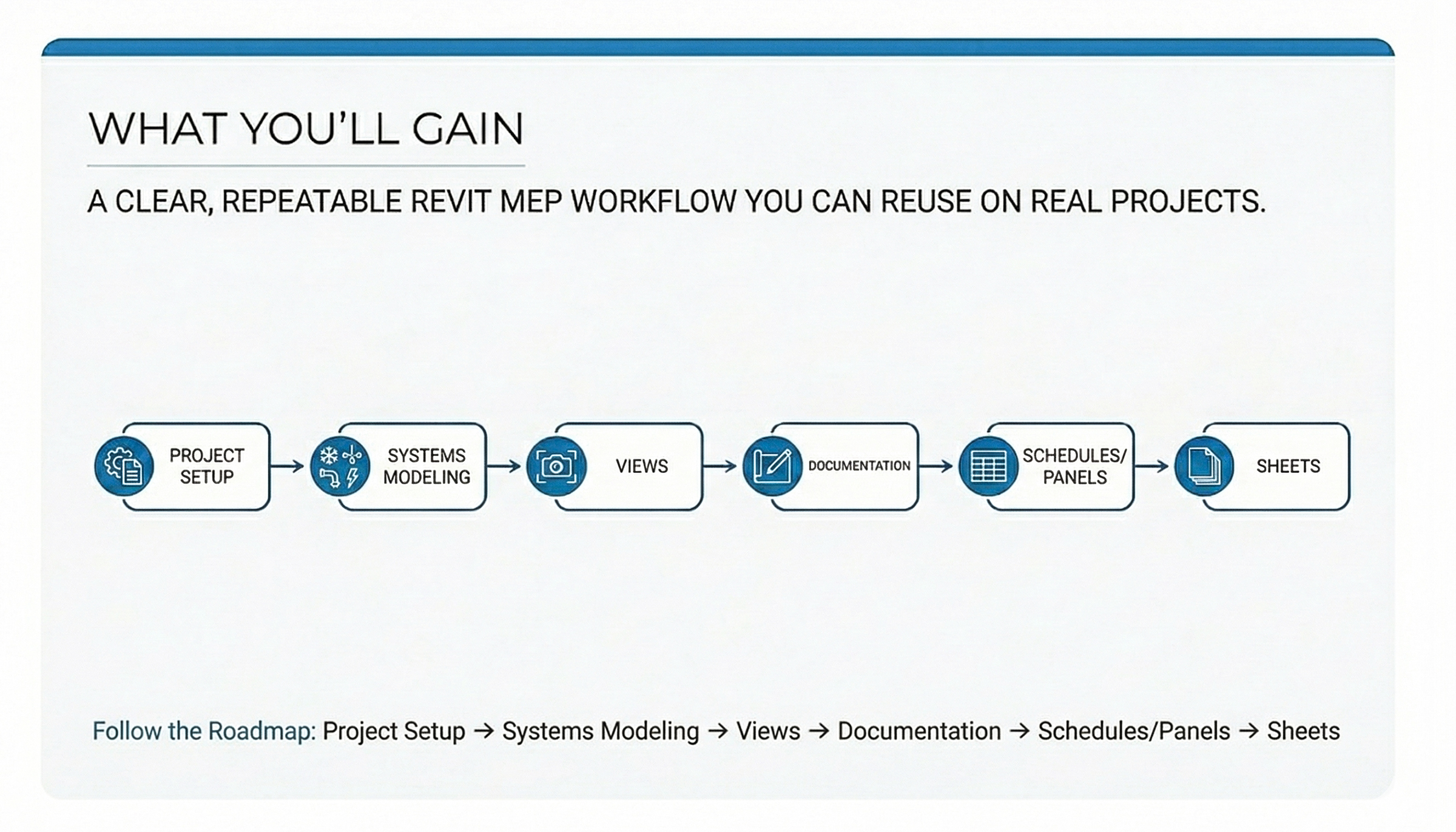
Stop guessing in Revit MEP Build HVAC, piping, and electrical systems that stay connected and calculated.
If you are transitioning from CAD, these are the warning signs: • Ducts look okay in 3D, but system logic is broken and calcs fail. • You manually type schedule data because parameters don't link. • Coordination becomes a nightmare of chasing architectural changes. • Every deadline is spent fighting settings to make views legible. • Tags and annotations break or disappear when the model changes. The Cost: (Time + Risk) This isn’t a software limitation — it’s "production drag" caused by fighting the tool instead of using it. This course gives you a repeatable Revit MEP workflow built for real deliverables as shown on the chart. So your systems stay connected, your data drives the schedules, and your sheets stop requiring manual fixes.
Is This Revit MEP Course for You?

If Revit MEP feels harder than it should, you are in the right place. Whether you are switching from CAD or self-taught, stop fighting broken connections, mismatched schedules, and expensive clashes. This course replaces constant troubleshooting with a repeatable, system-based workflow. Learn to build intelligent models that stay connected, calculated, and sheet-ready—so you can deliver coordinated projects without the stress.
By the End of This Course, You’ll Confidently Deliver Revit MEP Projects
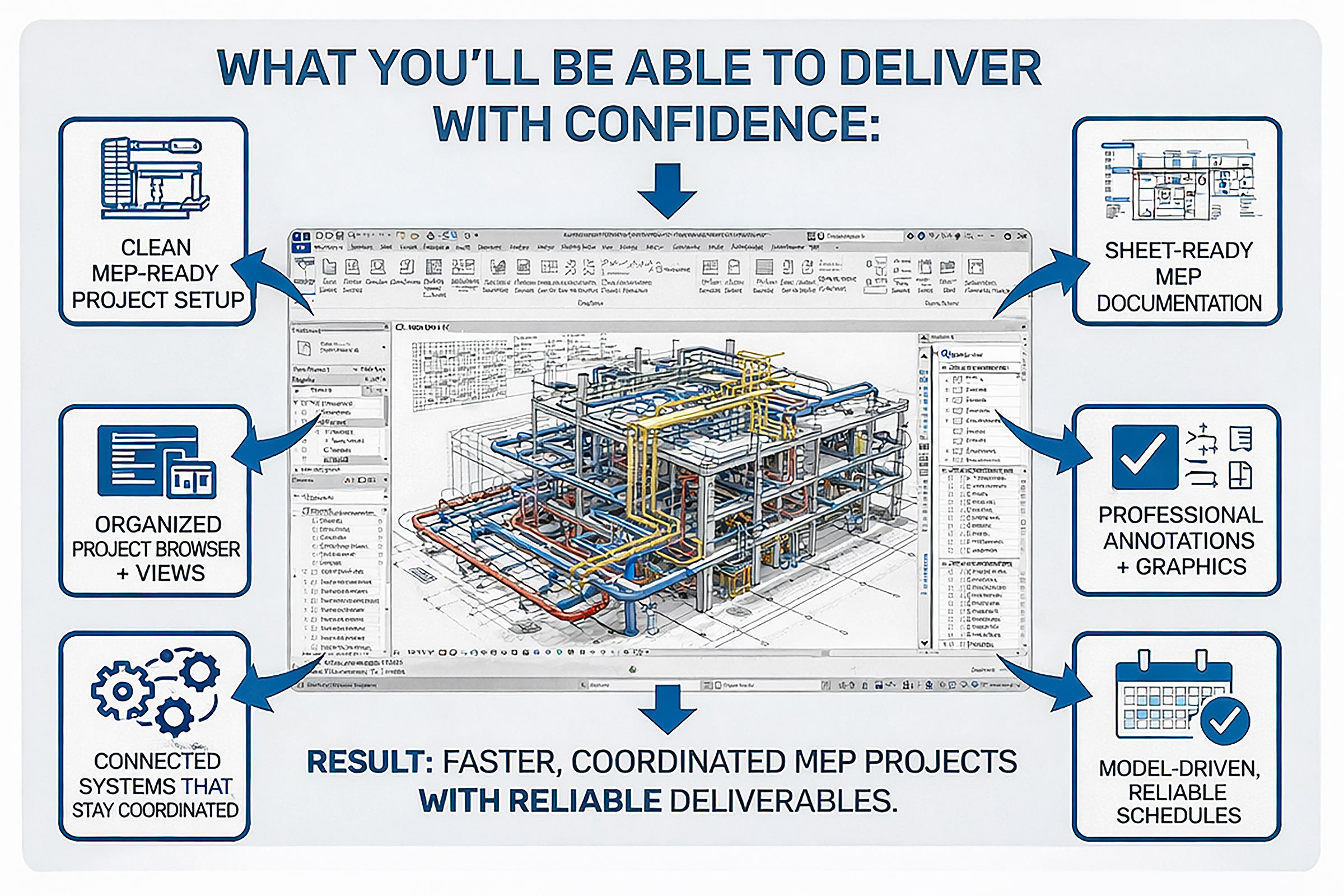
After this course, you’ll be able to: ✓ MEP-ready Revit setup for fast routing, documentation, and coordination. ✓ Consistent sheets with organized views, annotations, and graphics. ✓ Connected systems that coordinate, calculate, and keep working. ✓ Repeatable CAD-to-BIM workflow with fewer disconnects and less rework.
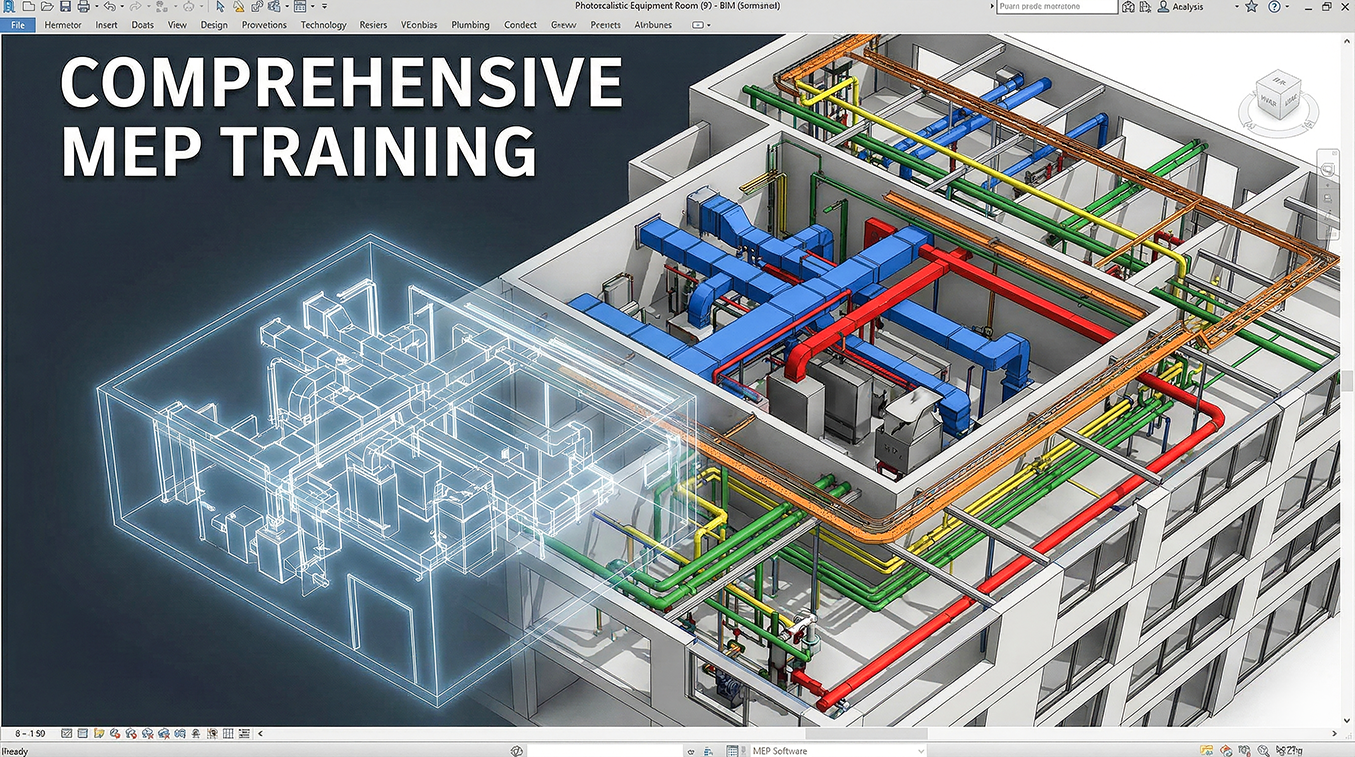
MEP Systems Modeling Basis
Learn how to model HVAC, piping, and electrical systems that stay connected and behave correctly.
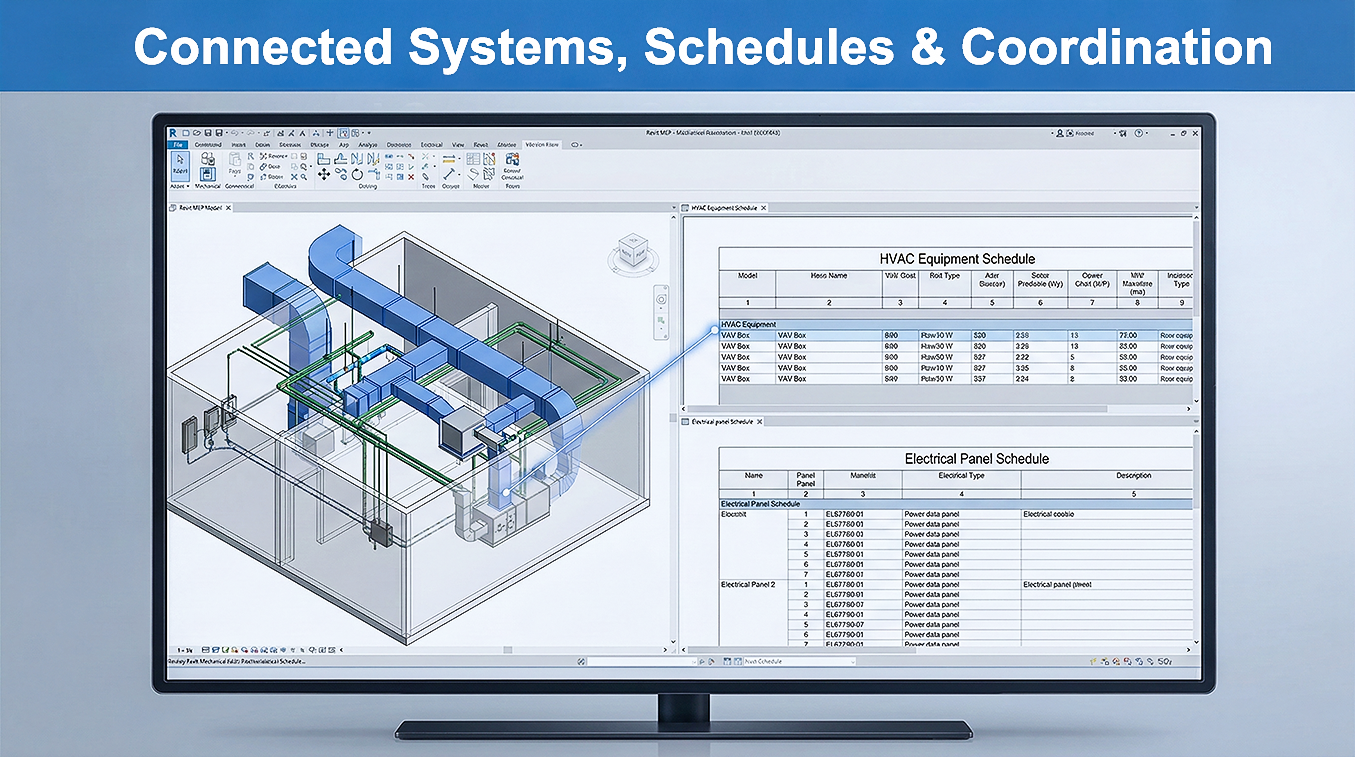
Schedules + Coordination That Match
Keep systems, schedules, and panels aligned—so coordination gets easier.

CAD-to-BIM Workflow
Follow a repeatable Revit MEP process for routing, circuiting, and sheet-ready output.
Ready to Master a Repeatable MEP Workflow?
Stop fighting broken connections. Lock in the exclusive Founders rate today and save $80 before the full content unlocks on January 31st. $399 VIP Founder Rate (Standard: $479)
$399.00

Meet Your Instructor
I’m Roger Mujica—BIM Strategist, Educator, and Autodesk Certified Instructor (Silver) with 25+ years in the AEC industry. Over the last 7 years, I’ve seen MEP designers and firms move to Revit at a rapid pace—and many hit the same roadblocks: broken connections, unreliable schedules, inconsistent sheets, and constant “fix-it-later” rework. I help MEP teams build dependable Revit workflows that keep HVAC, piping, and electrical systems connected and calculation-ready—so your schedules and panel data stay aligned, coordination is smoother, and your deliverables are clean, consistent, and truly sheet-ready construction sets.
Hear From MEP Pros Who Stopped Fighting the Software
Discover how engineers and designers moved from "working in a vacuum" to mastering a repeatable, data-driven workflow that actually delivers.
We were all just doing our own thing and finding clashes way too late in the project. After applying the workflow from Revit MEP Foundations, we finally bridged the gap between design and documentation. Now, our models are fully connected, coordination happens in real-time, and our field RFIs have dropped significantly.
Las Vegas, NV
My biggest struggle was keeping systems connected during revisions—one move would break everything. Revit MEP Foundations gave me a workflow that sticks. Now, when the architecture changes, my circuits update automatically, and I’m not spending all night fixing broken tags.
Osaka, Japan
Most training is too generic for the complex projects we handle. Roger was incredible at dealing with our relentless questions and tailoring the content to us. We went from fighting with basic setup to producing consistent, sheet-ready documentation in just a few weeks.
Ahmedabad, India
I tried learning online, but I kept breaking my systems every time I made a change. Roger didn’t just teach 'buttons'; he taught the logic behind the tools. He catered to my specific questions about electrical panels and circuits, and now I finally feel confident sending my drawings out.
Utrecht, Netherlands
I used to do double work—modeling in Revit but doing all my calcs in spreadsheets because I didn’t trust the software. This course showed me how to set up connectors properly. Now, I actually rely on the model for flow and pressure drops, and my schedules update automatically.
London, United Kingdom
Transitioning from 2D CAD felt overwhelming because I was trying to 'draw lines' instead of building systems. This course corrected my mindset. I’m no longer fighting the software to make it look right; I’m building intelligent HVAC models that actually drive documentation.
Johannesburg, South Africa
Course Curriculum
-
1
Welcome! Course Orientation, Setup, Navigation & Structure
-
(Included in full purchase)
Welcome: Course Roadmap & What You Will Achieve
-
(Included in full purchase)
How to Use Thinkific (Navigation + Completion)
-
(Included in full purchase)
Download Course Files (RVT/RFA/PDF) & How to Use Them
-
(Included in full purchase)
Getting Started Checklist (Revit Version + Setup)
-
(Included in full purchase)
-
2
Module 6: Modeling Mechanical Systems
-
(Included in full purchase)
Fundamentals of Mechanical Equipment and Ducts
-
(Included in full purchase)
Visualizing Your Projects
-
(Included in full purchase)
-
3
Module 7: Modeling Plumbing Systems
-
(Included in full purchase)
Fundamentals for Electrical and Plumbing Systems Design
-
(Included in full purchase)
Optimizing Performance
-
(Included in full purchase)
-
4
Module 9: Annotation, Visual Clarity, and Document Coordination
-
(Included in full purchase)
Creating Views & Annotations
-
(Included in full purchase)
-
5
Module 11: Preparing Sheets - Final Deliverables Documentation * Print & Export PDF
-
(Included in full purchase)
Sheets and Plotting Fundamentals
-
(Included in full purchase)
-
6
APPENDIX 'A' ADDITIONAL INFORMATION
-
(Included in full purchase)
APPENDIX 'A'
-
(Included in full purchase)
What You’ll Get Inside This Course
Training: step-by-step lessons + hands-on + flex-testing checkpoints Files: Revit 2025 RVT/RFA + templates/samples + QA checklists/PDF handouts Support: lifetime access + updates + Certificate of Completion
Stop fighting the software. Start engineering. Master a repeatable workflow for data-driven MEP systems.
7-Day Workflow Fit Guarantee Try Module 1 risk-free (under 20% completion). Includes: Lifetime access • Revit 2025 files • 4-Week Paced Schedule (Finish easily with just 2–3 lessons per day) VIP Founders (First 60 seats): Lock in Best Pricing + Bonuses Full access unlocks Jan 31st • Lifetime access once unlocked After 60 seats fill: price increases to Standard Enrollment $ 479 You keep your VIP price if you enroll now
$399.00
VIP Founders Bonuses (First 60 Seats Only)
Secure your seat and get tiered implementation support based on purchase order: Workflow Reset (Zoom) (tiered by purchase order): 2.5 hrs (first 15) • 1 hr (next 25) • 45 min (final 20) 40% off Revit Revolution (valid 14 days starting Feb 15th) Workflow Reset sessions focus on implementation strategy (setup, standards, model-to-doc workflow)—not open-ended software support.
VIP Founders — Important Information
The VIP Founders enrollment period is January 7th – 31st. Full details are available on the Thinkific Revit Strategies Solutions website under: VIP Founders — Frequently Asked Questions VIP Founders — Terms & Conditions